


Good home office lighting starts with what you do: reading documents, using a screen and joining video calls involve different needs. One bright fixture in the centre of the room may not cover them all. Several independently controlled sources offer more flexibility.
Start by exploring Luminance’s wall lights and LED profiles. Choose the fitting arrangement after deciding where the desk, monitor and sockets will go.
1. Start with the window and screen
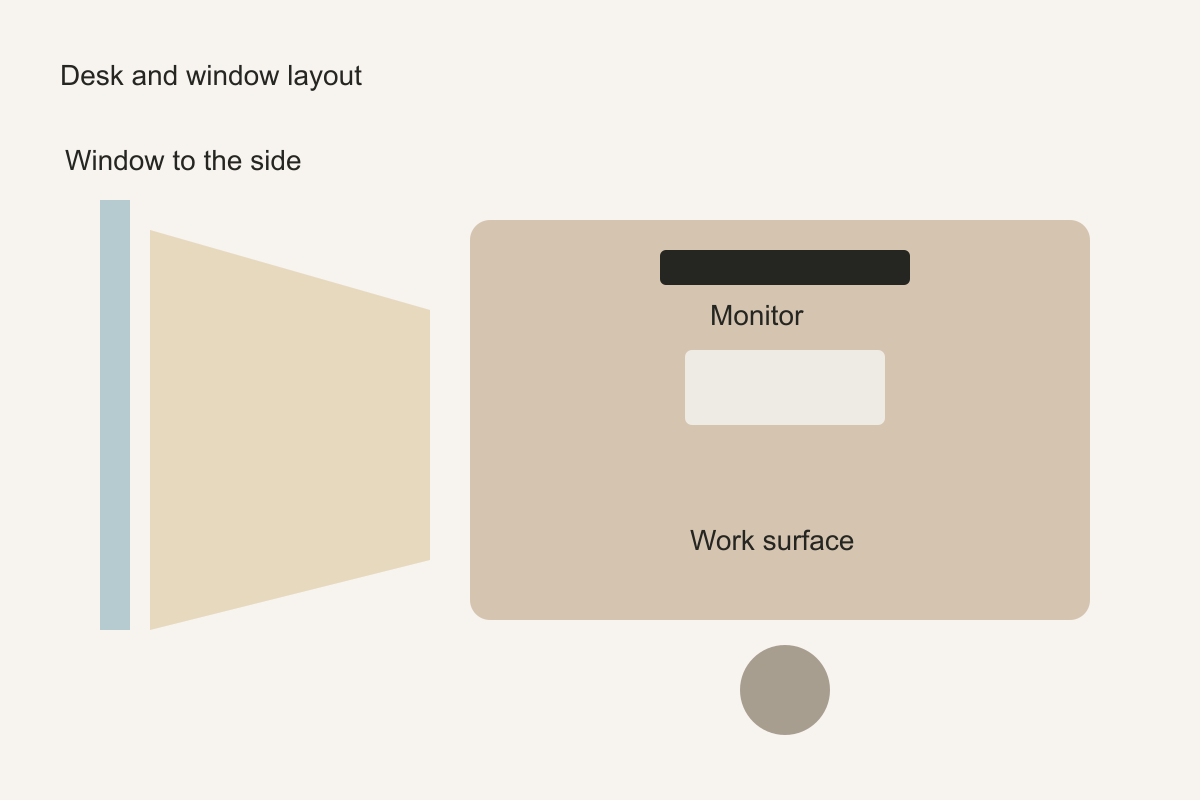
Check your workspace in the morning, during the day and after dark. Avoid a bright window forming the background behind the monitor or reflecting directly in it. Daylight coming from the side is often a useful starting point, with a blind or curtain to control it.
Before buying lights, sit in your normal working position. A dark screen makes window and ceiling-light reflections easier to spot. Slightly turning the monitor or moving a lamp can be more useful than increasing wattage.
2. Separate ambient and task lighting
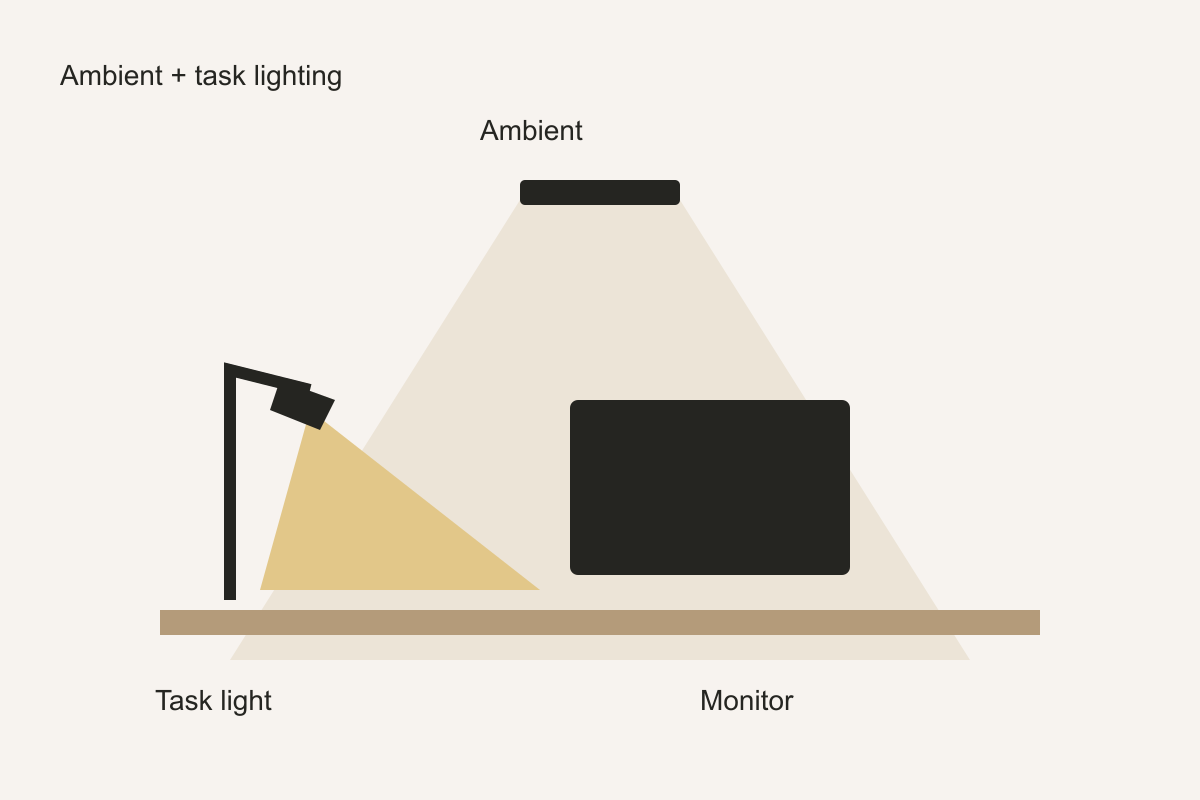
Ambient lighting supports movement around the room, while local light serves a particular task: using a notebook, keyboard or drawing. If paper documents are too dim, add directed light to that surface instead of making the whole room brighter.
Plan separate switching. Paperwork, screen work and cleaning may need different settings. Dimming adds flexibility, but compatibility between the fitting, driver and control must be checked before ordering.
3. Keep the desk clear and reduce hand shadows
A desk lamp is easy to reposition; wall mounting can free up the work surface. When comparing wall lights, check direction, adjustability and switch access. A decorative wall fitting is not automatically suitable for desk work.
For handwriting, try placing the source opposite your writing hand. Check the result on paper: the lamp should not restrict movement or shine into your eyes. Being able to adjust it for the individual user matters more than following one fixed position.
4. Use shelf lighting as a supporting layer
A profile beneath or within a shelf above the desk can provide extra light on the surface. In the LED profile range, compare mounting methods and diffusers. A profile alone is not a complete light: it needs a suitable strip, power supply and connections.
Keep exposed bright LED points out of the normal line of sight. Check whether the light reflects in the monitor and whether the shelf blocks useful illumination. Agree length, power, heat management and access to the power supply with the installer.
5. Match the room and check video calls
Colour temperature is a matter of the wider interior and personal preference, not the only measure of lighting quality. Compare samples in your room: a 3000K or 4000K label does not tell you how bright the desk will be.
For video calls, check the camera image. Soft light from in front or slightly to one side usually makes the face clearer than a bright window behind you. Keep the source out of your eyes and make sure ordinary work remains comfortable too.
6. Check these details before ordering
Record desk dimensions and the positions of windows, sockets and shelves. Confirm mounting height, the reach of an adjustable fitting and the fixing method. If two people share the room, each may need an individual setting.
Try the workspace with the monitor on and with paper, during the day and in the evening. Are there reflections? Is text easy to see? Can you switch the lights comfortably while seated? This simple trial can prevent unnecessary purchases.
Find lighting for your workspace
Send a photograph or plan of your home office and tell us how you work. Luminance helps select and supply lighting.
Explore lightsPractical guidance on glare and workstation layout: OSHA; Arbetsmiljöverket.